Week 1 introduced me to the foundational elements of basic HTML code and where to begin a website deseign. This then progressed to simple
CSS style sheets helping me understand how to change fonts and colours.

In this workshop, I learnt why you need to link a style sheet/ source, especially in regards to shapes (squares and circles).
Once these shapes were present I then began to experiment with their display by adjusting their width, height, inline and
float aspects. Returning to the html file, I then needed to add a 'container' element to ensure the background colours fit
the screen by my control and desire.
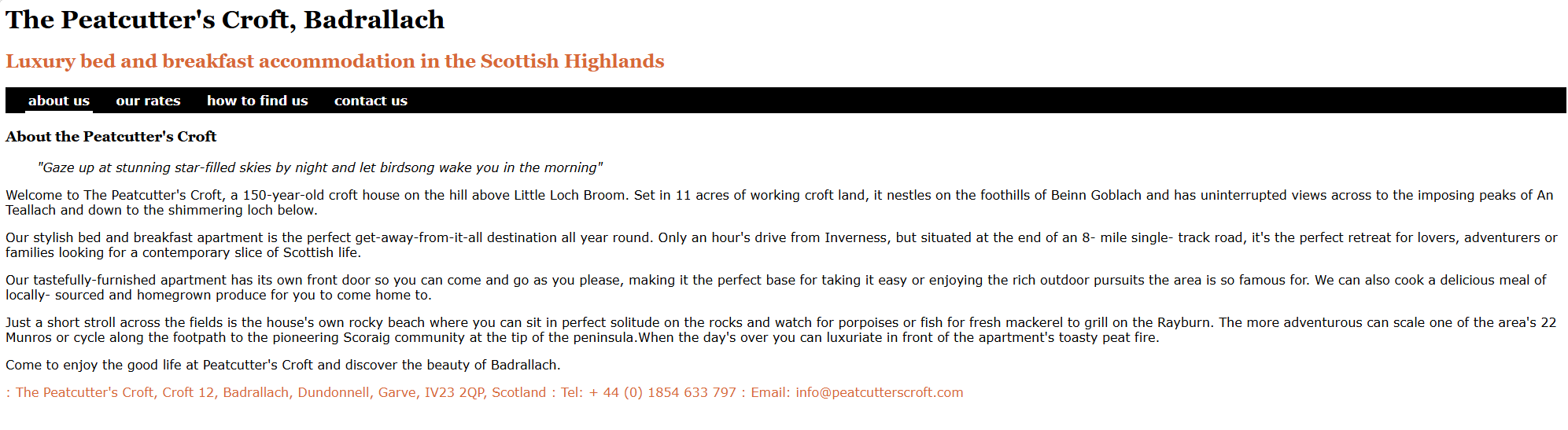
This specific task exposed me to more in depth navigation systems and grid layouts to create a better visually
aesthetic website. Even hyperlinks and how to implement them into your work. I also managed to gain more understanding
about CSS code and hw much you can actually do with it (colours, font, borders, text decoration etc...)
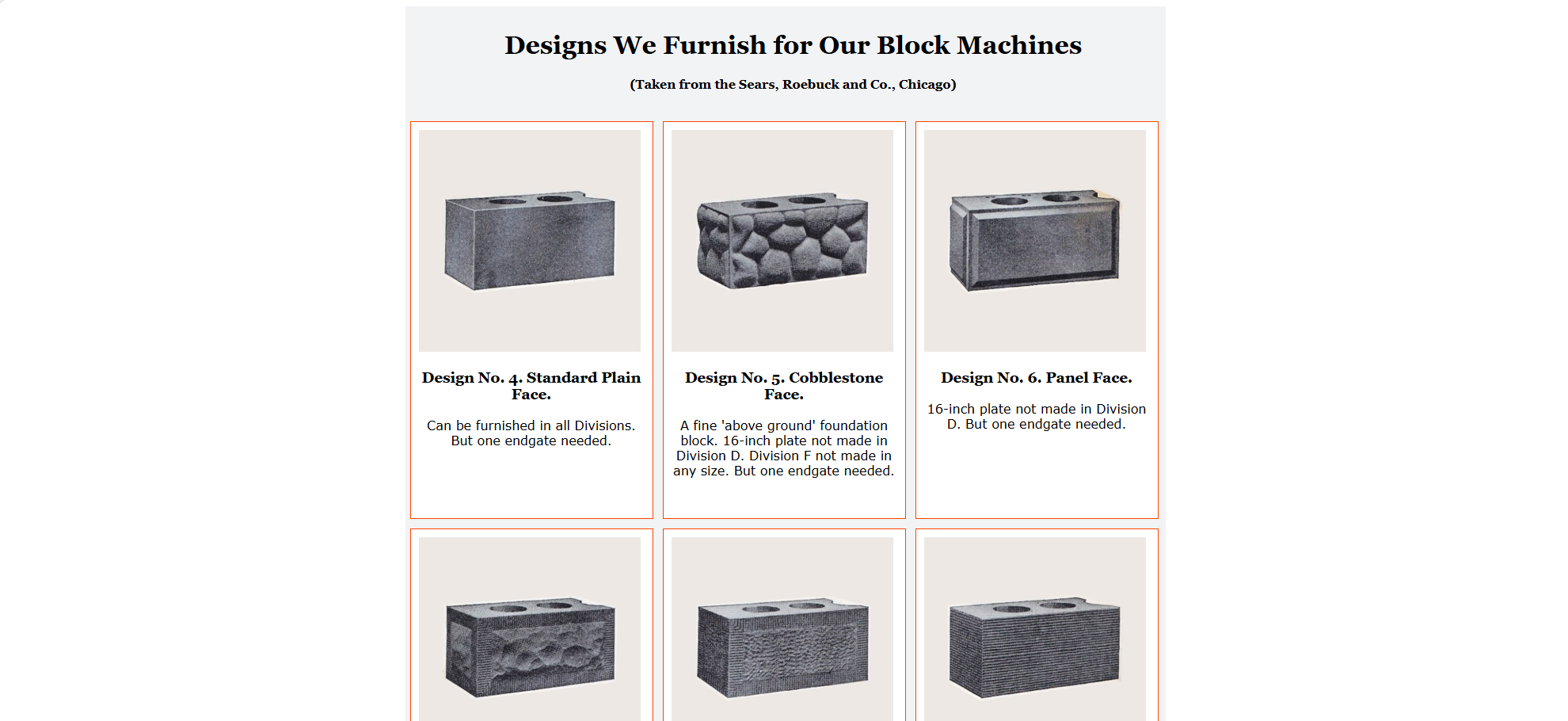
By having agency of the maximum width in which the boxes are contained within, I was able to build
layouts that are symmetrical and grid-like. When creating this responsive design I learnt that it makes use
of multiple sections in CSS file. From this, I decided to add media queries into the CSS file, instead of creating an entirely new file
in which the website can fit multiple creen users.
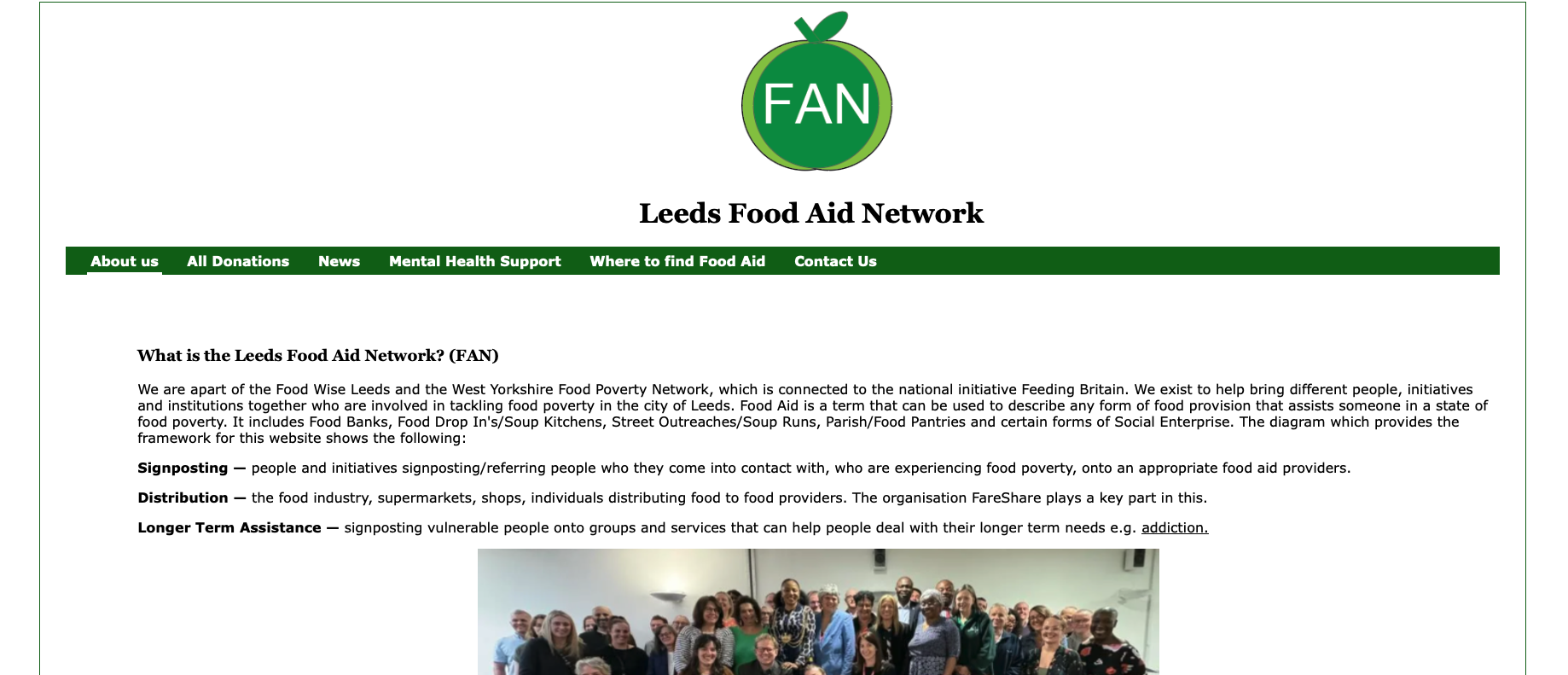
Having the templates from previous wokshop provided great stepping stones in my exploration, creation and understanding of building
a legible website. This assignment had students redesign an existing website in the hopes that
we could deliver a better one. From lectures and workshops we weren't only taught the basics of HTML code,
but the basic rquirements of what it takes to publish a readable and legible website.
User interface, user experience and the accessibility guidelines (tested against some
famous and reliable tests e.g. Trunk Test) informed me of what needs changing on the
website, as well as what needs adding and taking away.